EN
EN  TH
TH  VI
VI 


 Customise Your Training

TechSource Systems is MathWorks Authorised Reseller and Training Partner

Next level after the fundamental
Complimentary Services: Post training email support & 1-hr consultation session within 1 month after the course completion!

This four-day hands-on training package is designed for those who use Model-Based Design in a common design workflow and need to manage Simulink models when working in a large-scale project environment, to fully test Simulink model behaviour against system requirements and to ensure that the design is devoid of possible design errors.
Topics discussed include:

Engineers who are applying Model-based design in a common design workflow, managing Simulink models in large-scale project environments, testing Simulink behaviour against system requirements, making sure the design is devoid of possible design errors.

This course is intended for intermediate or advanced Simulink users therefore experience in using MATLAB and Simulink are required.

Upon the completion of the course, the participants will be able to
TechSource Systems is MathWorks Authorised Reseller and Training Partner
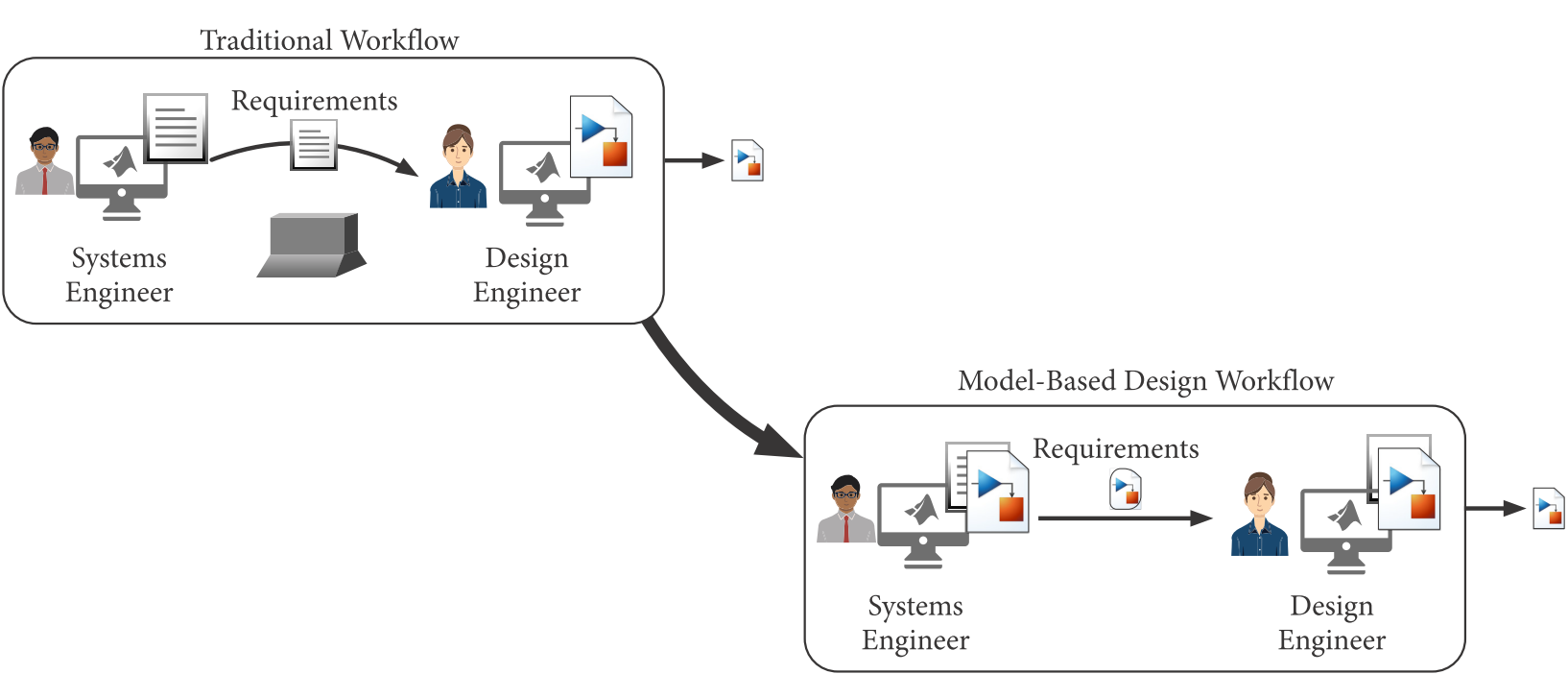
Objective: Get a brief overview of how Simulink models can be used in a traditional design process. Discuss where the material covered in this course fits into that process.
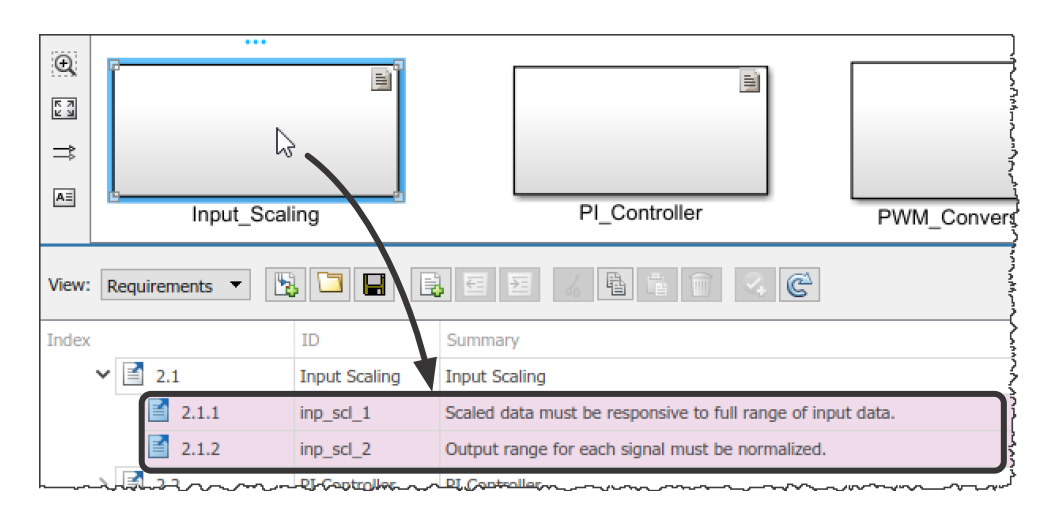
Objective: Link a Simulink model to system requirements, illustrate data flow, and define system interfaces.
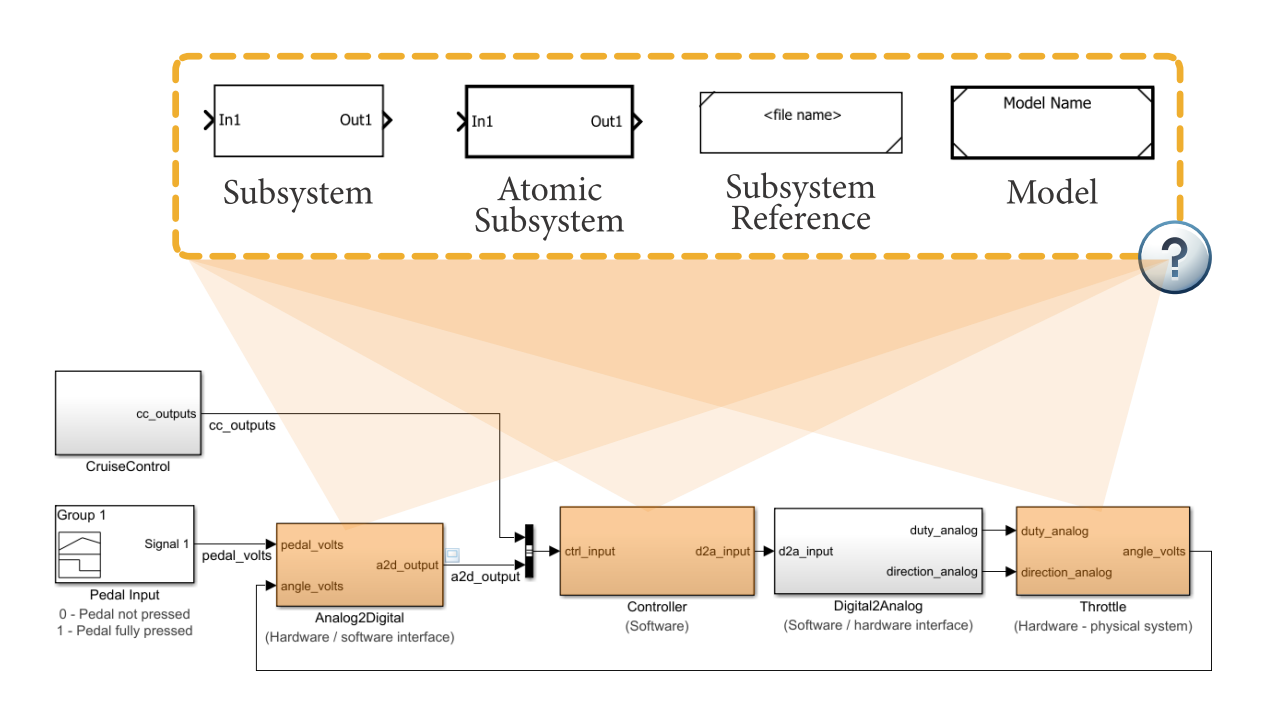
Objective: Discuss the pros and cons of the different features used for organizing a Simulink model into separate components.
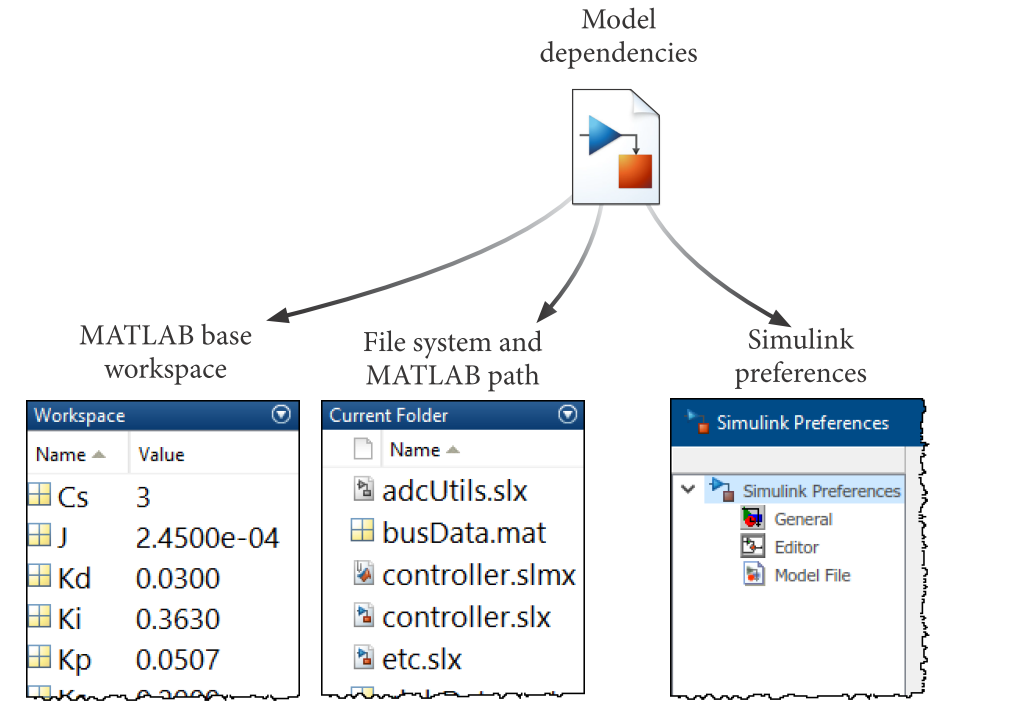
Objective: Discuss how to effectively organize a project (containing models, data, documentation, etc.) and perform configuration management tasks.
Objective: Explore the data dependencies of a Simulink model and learn best practices for managing a Simulink model’s data.
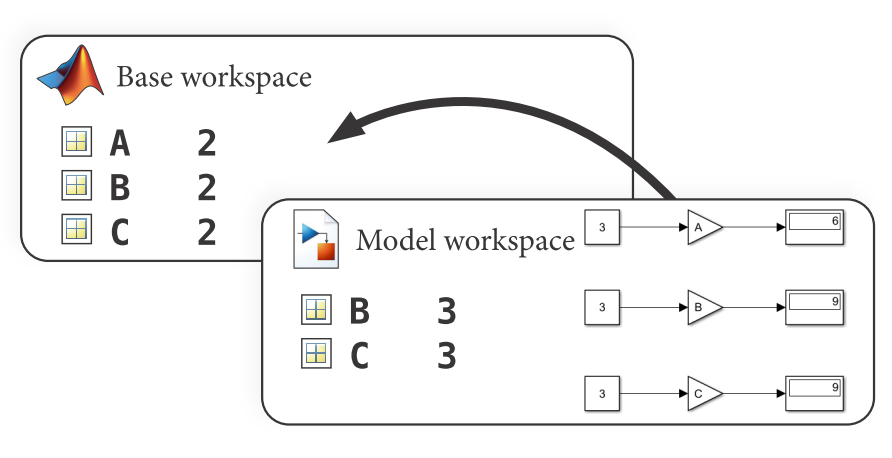
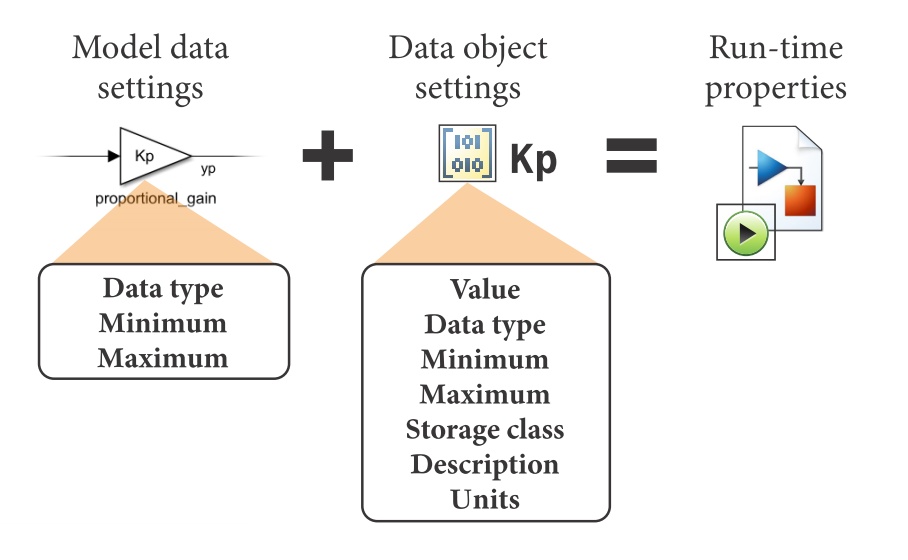
Objective: Understand data objects, partition data in dictionaries, create reference projects and configurations sets to organize large projects.
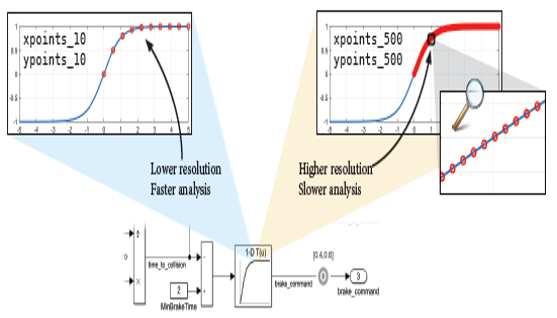
Objective: Learn how to improve simulation performance, use acceleration modes and understand their tradeoffs.
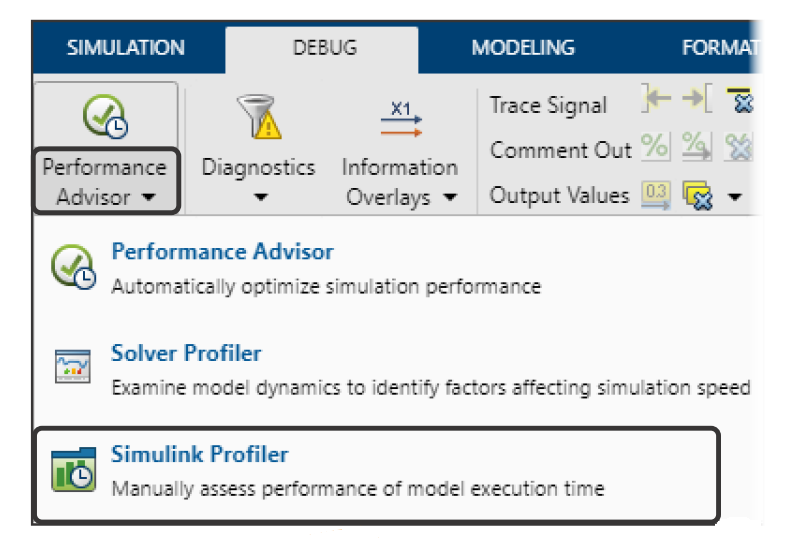
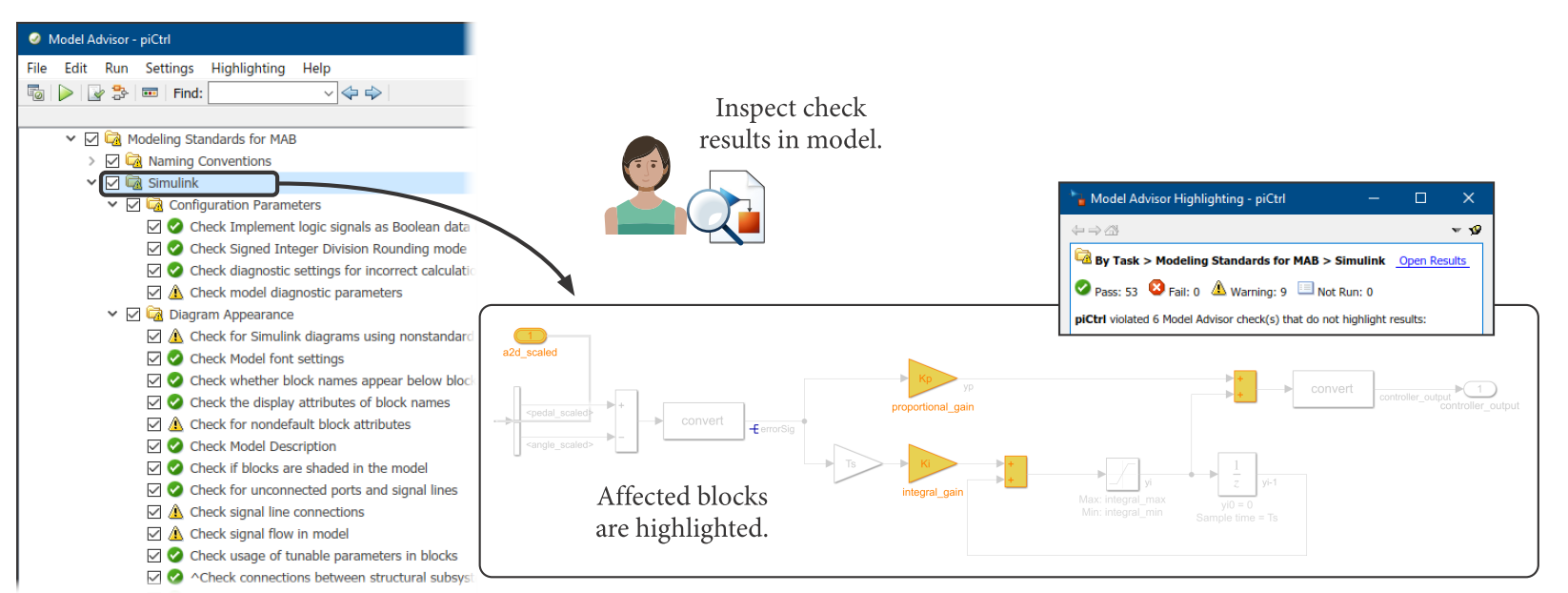
Objective: Explore how to set up and enforce modeling standards, check for common modeling errors, and optimize model performance.
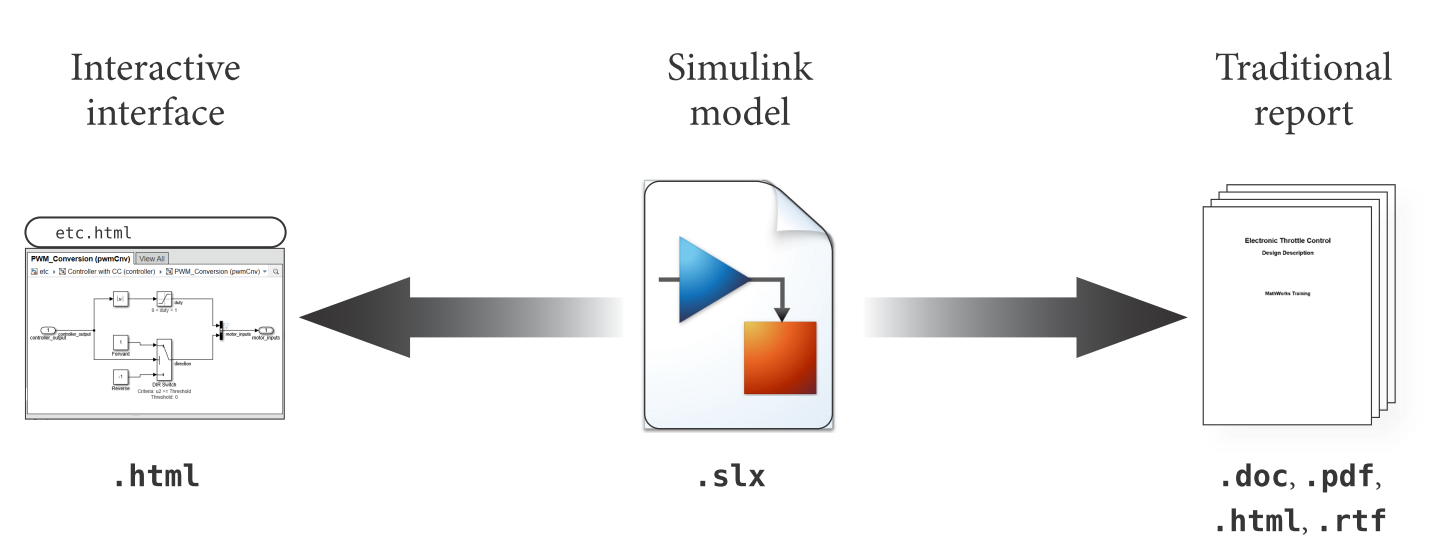
Objective: Discuss the methods of automatically creating reports and documentation from Simulink models.
Objective: Introduce verification and validation in the Simulink environment and discuss how it fits in to a typical project workflow using Model-Based Design.
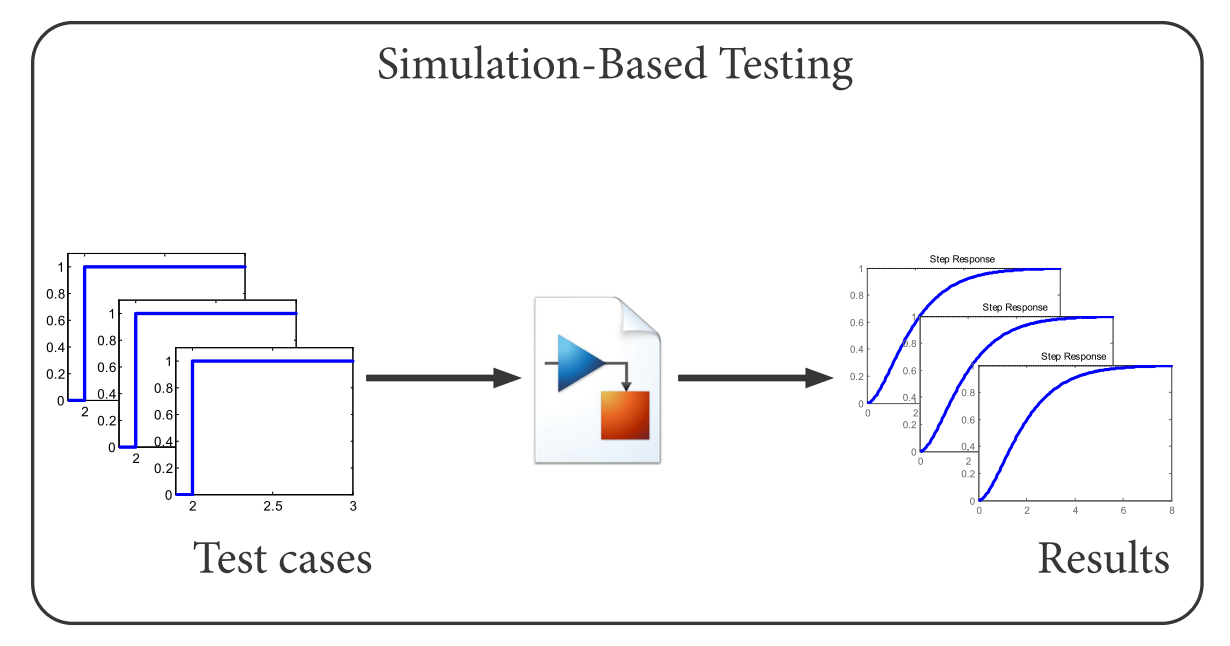
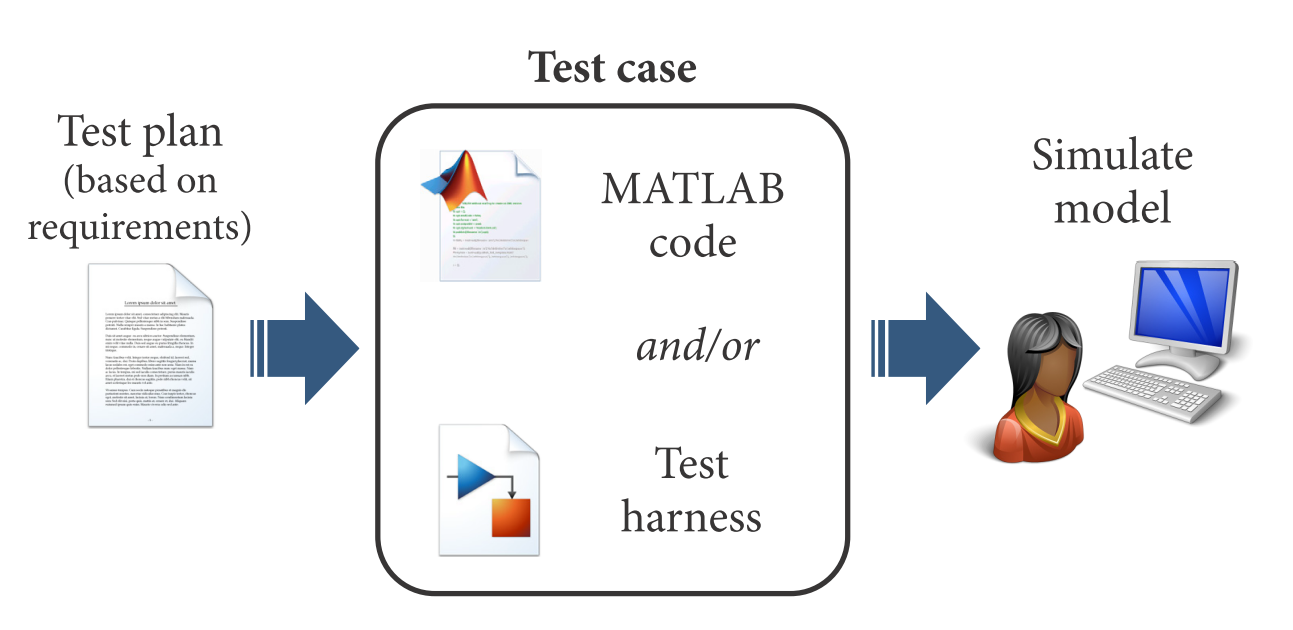
Create time-based and logic-based test cases for a Simulink model.
Analyze test results of a Simulink simulation, both during and after the simulation.
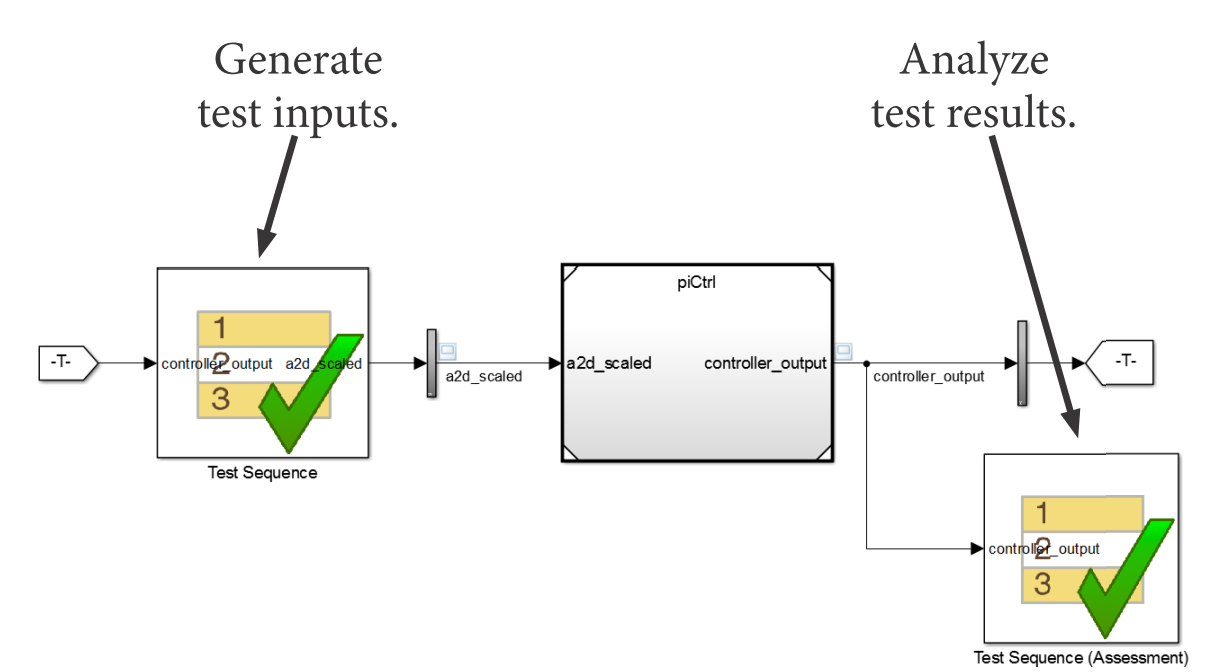
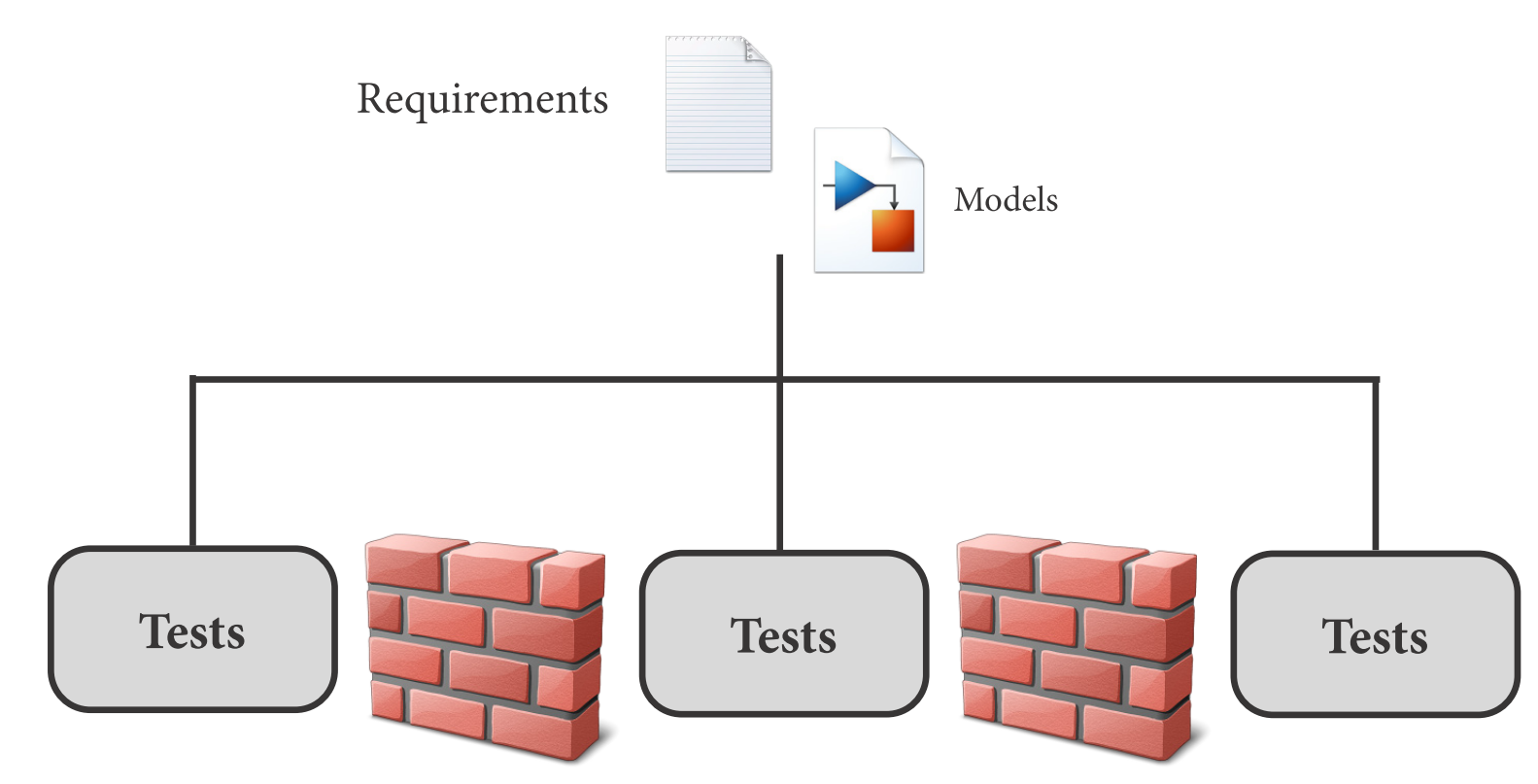
Create repeatable groups of tests and automatically generate reports from the test results.
Become familiar with the verification workflow and learn to prepare a model and perform a simple analysis with Simulink Design Verifier.
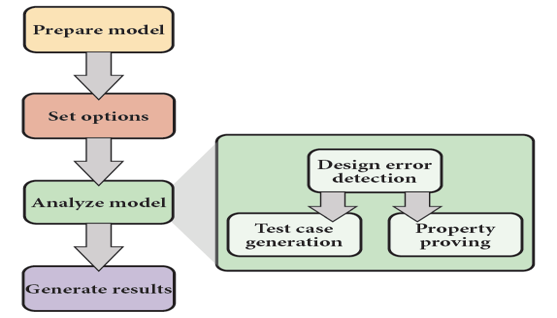
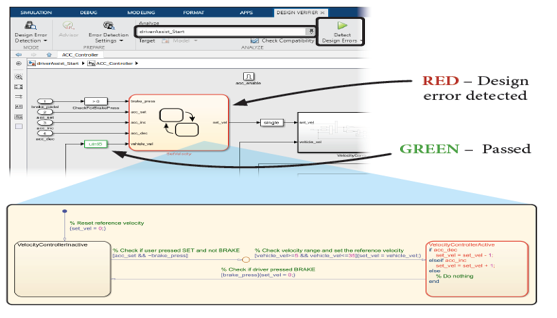
Learn how to use design error detection to verify a model.
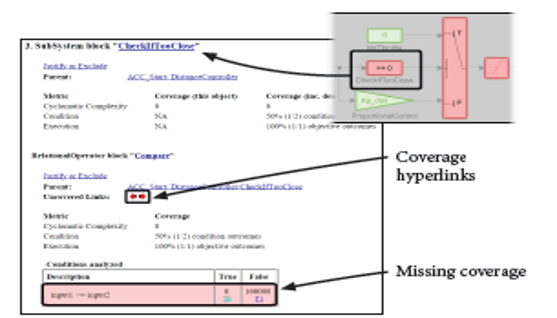
Review coverage types and learn how to use automatic test generation to complete missing model coverage.
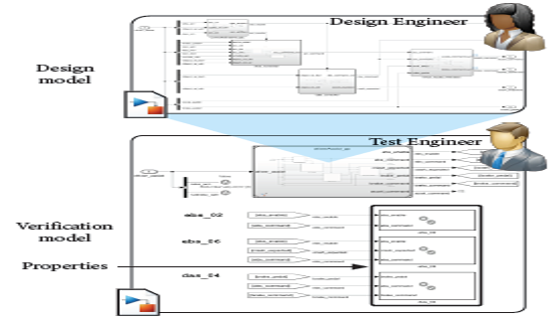
Formalize requirements into properties and learn to use property proving to verify that a design meets its requirements.
Identify sources of model complexity and learn techniques to improve analysis performance.