
Signal Processing with MATLAB

Learn to analyze signals and design signal processing systems

Complimentary Services: Post training email support & 1-hr consultation session within 1 month after the course completion!

TechSource Systems Pte Ltd

Course
Highlights

This two-day course shows how to analyze signals and design signal processing systems using MATLAB®, Signal Processing Toolbox™, and DSP System Toolbox™.

Topics include:

  • Creating and analyzing signals
  • Performing spectral analysis
  • Designing and analyzing filters
  • Designing multirate filters
  • Designing adaptive filters
TechSource Systems Pte Ltd

Who Should
Attend

MATLAB Fundamentals or equivalent experience using MATLAB, and a good understanding of signal processing theory, including linear systems, spectral analysis, and filter design

TechSource Systems Pte Ltd

Course
Prerequisites

MATLAB Fundamentals or equivalent experience using MATLAB, and a good understanding of signal processing theory, including linear systems, spectral analysis, and filter design

TechSource Systems Pte Ltd

Course
Benefits

After completing this training, you will gain knowledge and skills on:

  • Create and import signals in the MATLAB workspace
  • Visualize signals in multiple ways
  • Use appropriate spectral analysis techniques for signals of interest
  • Analyze LTI systems for frequency and impulse response
  • Design and implement digital filters from a given specification
  • Use MathWorks apps to analyze signals and design filters
  • Design multirate filters
  • Design adaptive filters

Partners

TechSource Systems Pte Ltd

TechSource Systems is MathWorks Authorised Reseller and Training Partner
Upcoming Program

  • Please keep me posted on the next schedule
  • Please contact me to arrange customized/ in-house training

Course Outline

Signal Generation and Common Signal Analysis

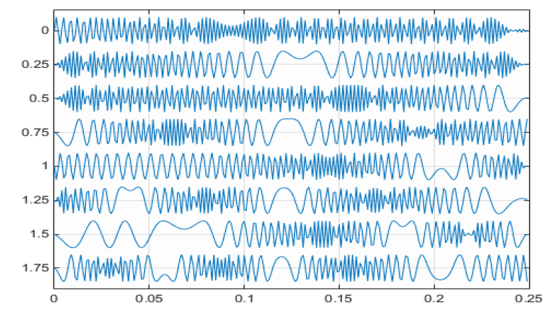
Objective: Generate sampled and synthesized signals from the command line and visualize
them. Use Signal Analyzer app to interactively visualize, measure, and analyze signals in both
time and frequency domains.
  • Creating discrete-time signals in the MATLAB environment
  • Sampling and aliasing
  • Creating signals using MATLAB timetables
  • Performing time and spectral analysis with the Signal Analyzer app
  • Generating streaming signals using System objects
TechSource Systems Pte Ltd

Spectral Analysis

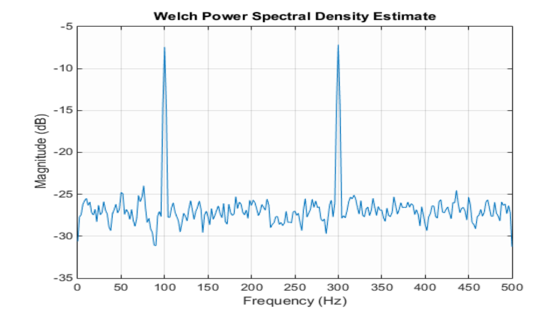
Objective: Understand different spectral analysis techniques and the use of windowing and zero padding. Become familiar with the spectral analysis tools in MATLAB and explore nonparametric (direct) and parametric (model-based) techniques of spectral analysis.

  • Discrete Fourier transform
  • Windowing and zero padding
  • Power spectral density estimation
  • Time-varying spectra
  • Using a spectrum analyzer in MATLAB

Linear Time Invariant Systems

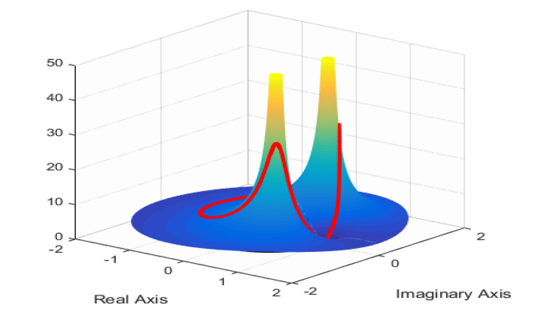
Objective: Represent linear time-invariant (LTI) systems in MATLAB and compute and visualize different characterizations of LTI systems.
  • LTI system representations
  • z-transform
  • Frequency and impulse response
  • Visualizing filter properties
  • Applying filters to finite and streaming signals
TechSource Systems Pte Ltd

Filter Design

Objective: Design filters interactively using the Filter Design app. Design filters from the command line using filter specification objects.
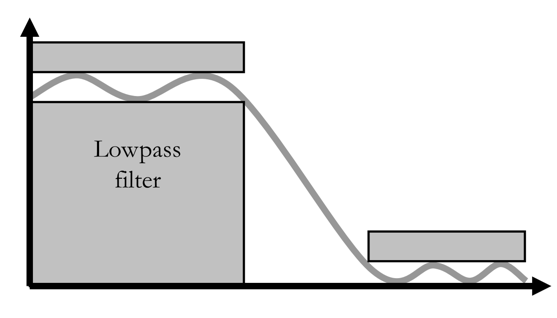
  • Filter specifications
  • Interactive filter design
  • Filter design function and live task
  • Filter design with filter specification objects
  • Reducing filter delay
  • Frequency-domain filtering
TechSource Systems Pte Ltd

Multirate Filters

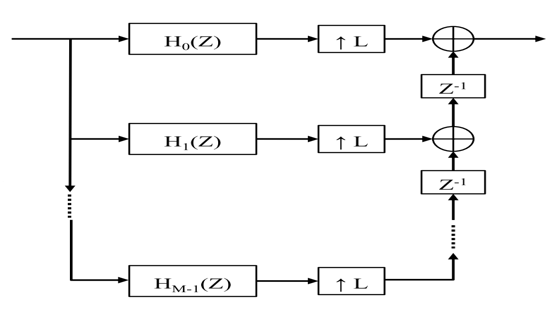
Objective: Understand principles of polyphase multirate filter design. Design multirate interpolating and decimating filters. Design multistage and narrow-band filters.

  • Downsampling and upsampling
  • Noble identities and polyphase FIR structures
  • Polyphase decimators and interpolators
  • Design multistage and interpolated FIR filters

Adaptive Filter Design

Objective: Design adaptive filters for system identification and noise cancellation.
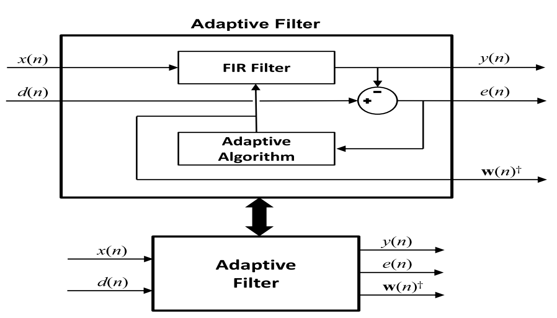
  • Basics of adaptive filtering
  • Perform system identification
  • Perform noise cancellation
  • Improve adaptive filter efficiency
TechSource Systems Pte Ltd
QUICK ENQUIRY