EN
EN  TH
TH  VI
VI 


 Customise Your Training?

TechSource Systems is MathWorks Authorised Reseller and Training Partner

Be a Powerful MATLAB Programmer in 3-day
Learn the essential MATLAB hands-on skills you need to discover the power of MATLAB to bring your ideas to implementation quickly.
Complimentary Services: Post training email support & 1-hr consultation session within 1 month after the course completion!

Do you want to take your ideas beyond research to production? Do you want to use one platform that integrates workflows? Major engineering and scientific challenges require broad coordination across teams to take ideas to implementation. Every handoff along the way adds errors and delays. MATLAB helps automates the entire path from research to production.
The heart of MATLAB is the MATLAB language, a matrix-based language allowing the most natural expression of computational mathematics. MATLAB® is widely used by millions of engineers and scientists to analyze data, develop algorithms, and create models.
Attend our 3-day MATLAB Programming 365 MasterClass to learn the essential MATLAB hands-on skills you need to discover the power of MATLAB to bring your ideas to implementation quickly. This three-day course covers themes of developing algorithm, visualization, writing efficient, robust, and well-organized code, extending built-in MATLAB capabilities, and creating a robust, interactive, and user-friendly interface for your applications (apps) in MATLAB.
Topics include:

The course is intended for engineers, scientists, and researchers who wants to explore the capabilities of MATLAB from developing algorithms to creating user-friendly interface for application in MATLAB.

Undergraduate-level mathematics and experience with basic computer operations.

Upon the completion of the course, the participants will be able to:
TechSource Systems is MathWorks Authorised Reseller and Training Partner
Objective: Become familiar with the main features of the MATLAB integrated design environment and its user interfaces.
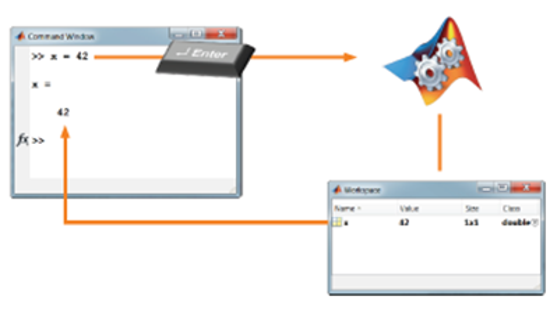
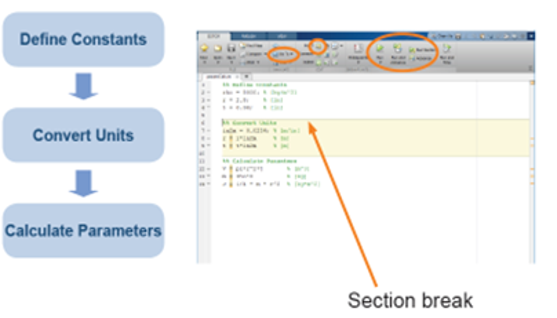
Objective: Utilize MATLAB scripts, call functions, and access documentation to perform complex calculations.
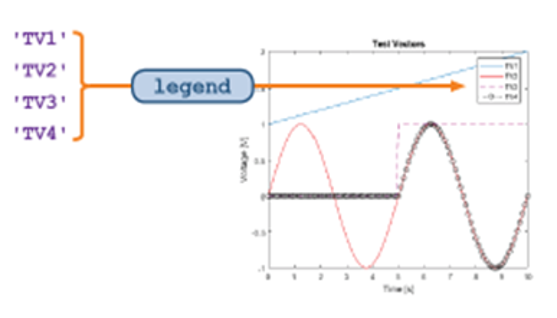
Objective: Create, manipulate, and visualize data stored in vectors and matrices.
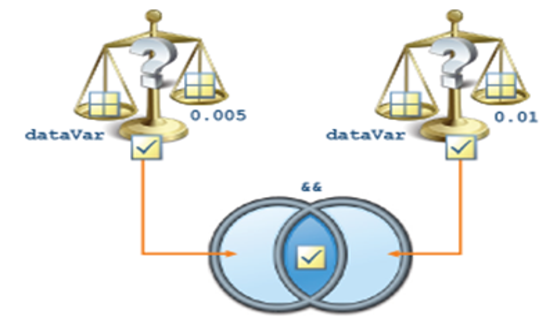
Objective: Increase automation by encapsulating modular tasks as user-defined functions and incorporating programming constructs.
Objective: Explore choices for storing data within a MATLAB application.
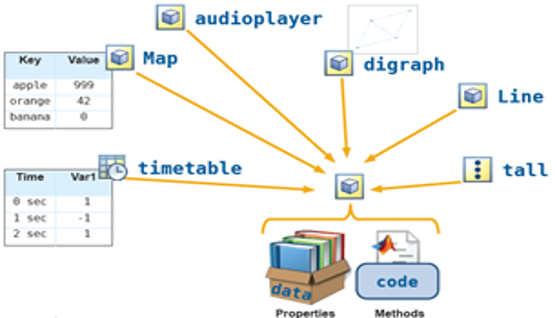
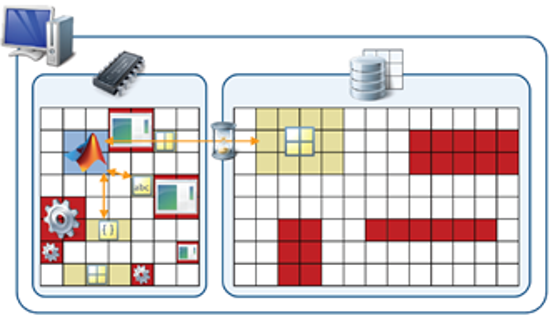
Objective: Use common techniques for improving performance when storing, accessing, and processing data.
Objective: Use integrated tools to manage code, diagnose problems, debug applications, and measure performance.
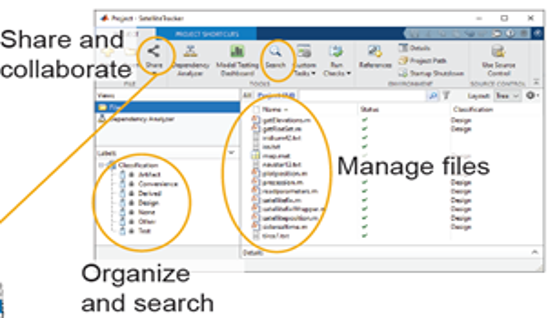
Objective: Use App Designer to create and share an app by laying out components and giving them interactive behavior.
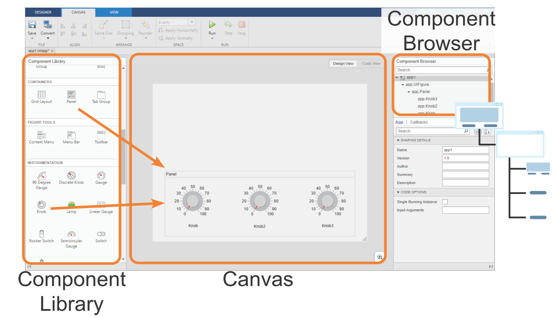
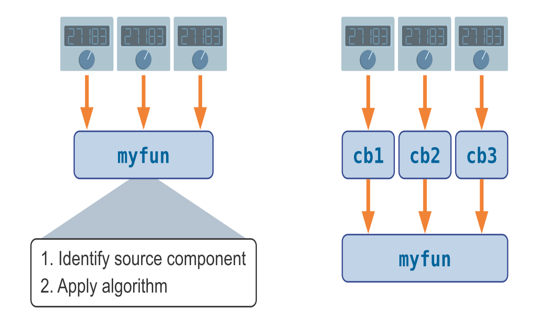
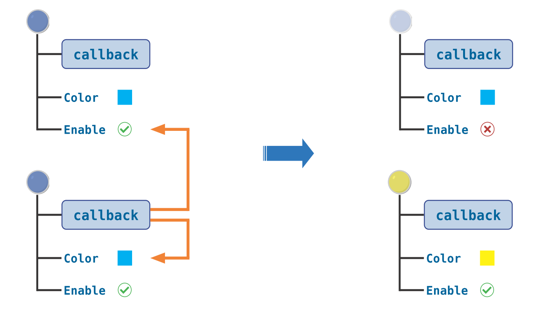
Objective: Create apps with graphical elements that can be modified by user interaction, as well as apps with continuously adjustable components.
Objective: Create robust and flexible apps with components that adapt appropriately to user actions.