Course
Highlights
This two-day provides experience with:
- Identifying best design practices and understanding the subtleties of the DFX design flow
- Using DFX in the AMD FPGAs and adaptive SoCs
- Using the DFX Controller and DFX Decoupler IP in the DFX process
- Implementing DFX in an embedded system environment
- Applying appropriate debugging techniques on DFX designs
- Employing best practice coding styles for a DFX system
Hands-on Project allows you to test your knowledge and apply your skills immediately. No documentation, no labs instructions, you will face the real challenge to do a full FPGA design flow project with the guidance of our instructor

Who Should
Attend
Digital designers who have a working knowledge of HDL (VHDL or Verilog) and digital design and who want to implement Dynamic Function eXchange techniques.

Course
Prerequisites
- Knowledge of VHDL or Verilog
- Experience with the Vivado Design Suite
- Moderate familiarity with digital design techniques
- Experience with Tcl
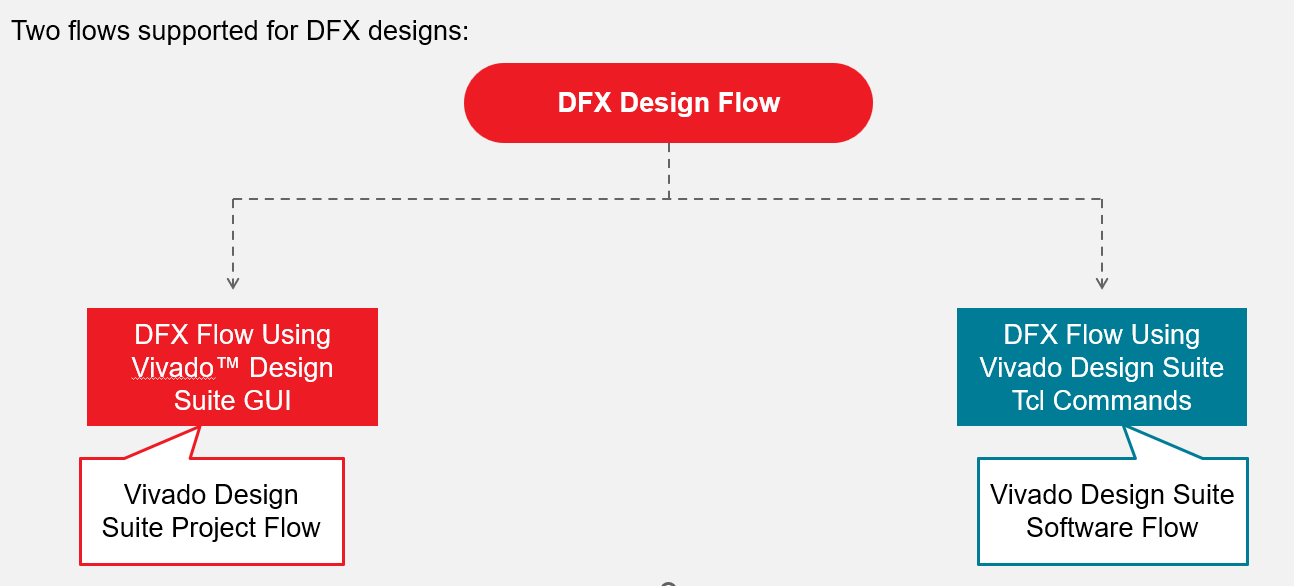
- Moderate familiarity with the project mode and non-project batch mode flow in the Vivado Design Suite
- Designing with the Versal Adaptive SoC: Quick Start

Course
Benefits
After completing this comprehensive training, you will have the necessary skills to:
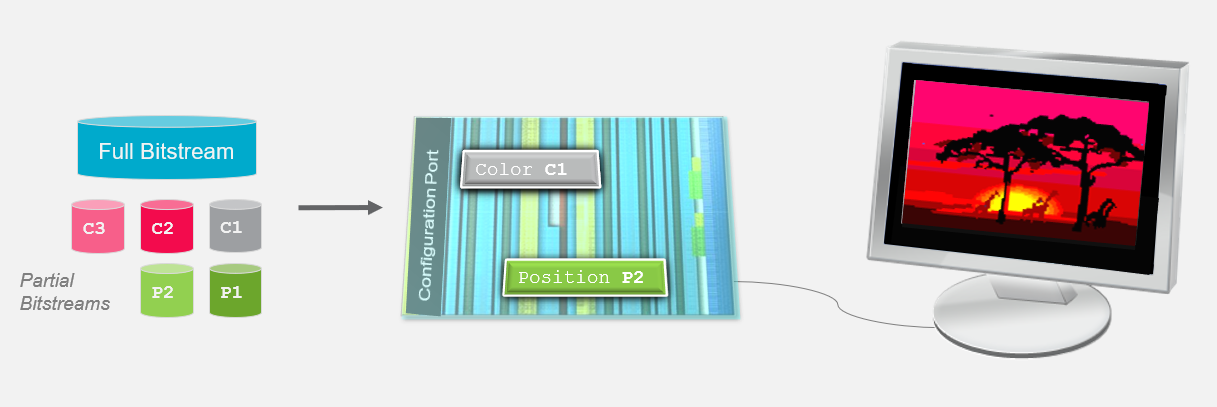
- Describe what Dynamic Function eXchange is
- Define DFX regions and reconfigurable modules with the Vivado Design Suite
- Generate the appropriate full and partial bitstreams for a DFX design
- Use DFX feature for the Versal devices
- Implement a nested DFX design
- Enable the Abstract Shell feature in project mode
- Use the ICAP and PCAP components to deliver partially reconfigurable systems
- Implement a DFX system using the DFX Controller IP
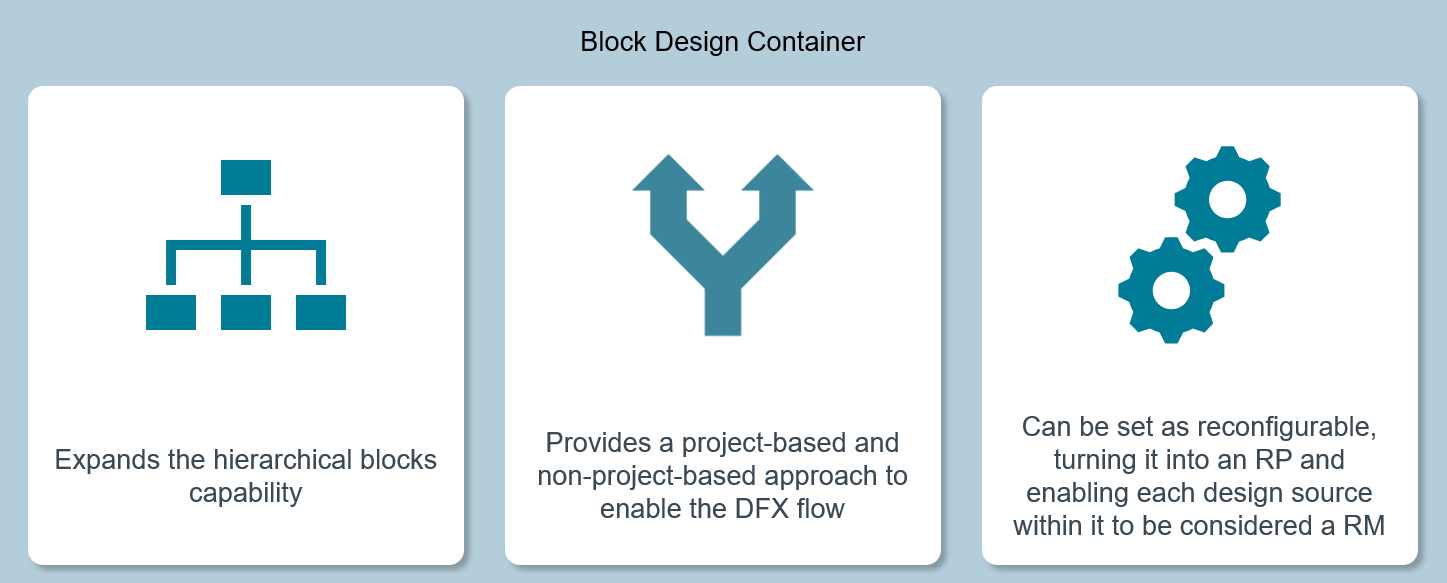
- Use the block design container feature of the Vivado IP integrator to create a DFX design
- Identify how Dynamic Function eXchange affects various silicon resources, including block RAM, IOBs, fabric, and MGTs
- Implement a Dynamic Function eXchange system using the following techniques:
▪ Direct JTAG connection, floorplanning, and timing constraints and analysis - Debug a DFX design using the Vivado Design Suite
- Implement a DFX system in an embedded environment using the Vitis Unified IDE
 EN
EN  TH
TH  VI
VI 


 Customise Your Training