 EN
EN  TH
TH  VI
VI 


 Customise Your Training

TechSource Systems is MathWorks Authorised Reseller and Training Partner
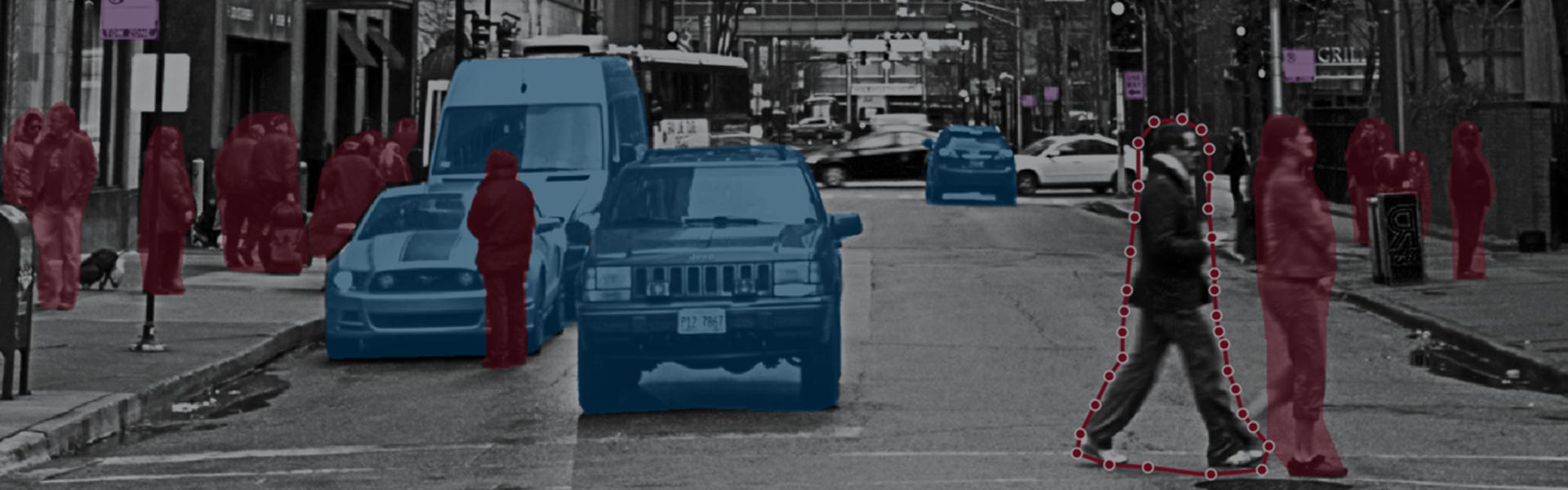
Image Processing and Computer Vision
Learn to analyze images in MATLAB and Image Processing Toolbox
Complimentary Services: Post training email support & 1-hr consultation session within 1 month after the course completion!

This two-day course provides hands-on experience with performing image analysis. Examples and exercises demonstrate the use of appropriate MATLAB® and Image Processing Toolbox™ functionality throughout the analysis process.
Topics include:

This course is intended for engineers, researchers, scientist who are working to enhance, segment and extract features from images

MATLAB Fundamentals or equivalent experience using MATLAB. Basic knowledge of image processing concepts is strongly recommended.

Upon the completion of the course, the participants will be able to:
TechSource Systems is MathWorks Authorised Reseller and Training Partner
Objective: Import and visualize different image types in MATLAB. Manipulate images for streamlining subsequent analysis steps.
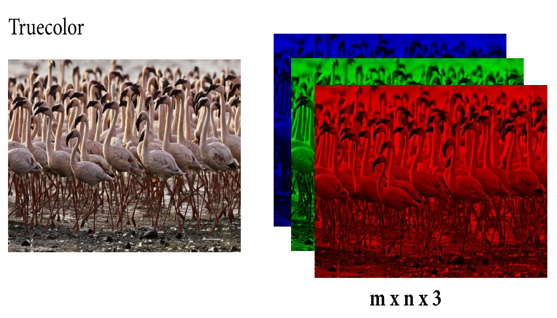
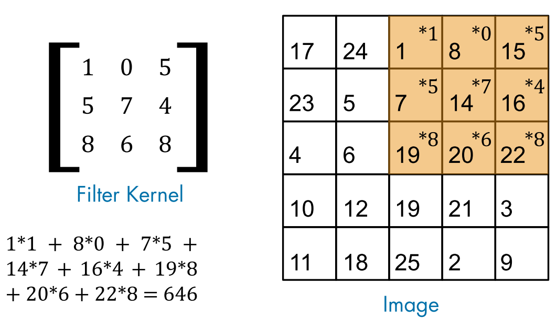
Objective: Enhance images for analysis by using common preprocessing techniques such as contrast adjustment and noise filtering.
Objective: Segment objects from an image based on color and texture. Use statistical measures to characterize texture features and measure texture similarity between images.
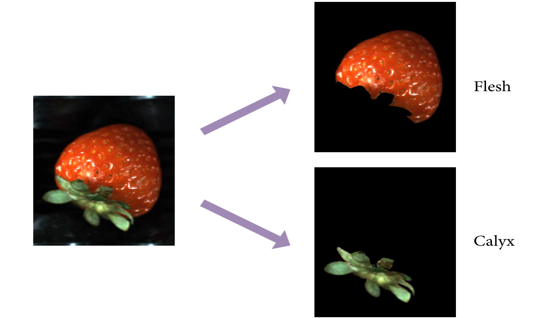
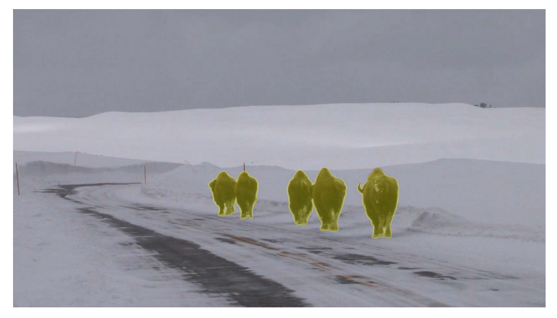
Objective: Improve binary segmentation results by refining the segmentation mask. Use interactive and iterative techniques to segment image regions.
Objective: Count and label objects detected in a segmentation. Measure object properties like area, perimeter, and centroids.
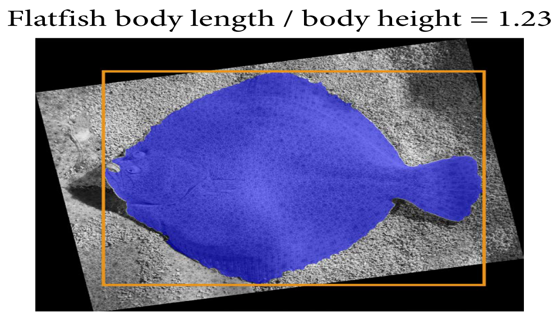
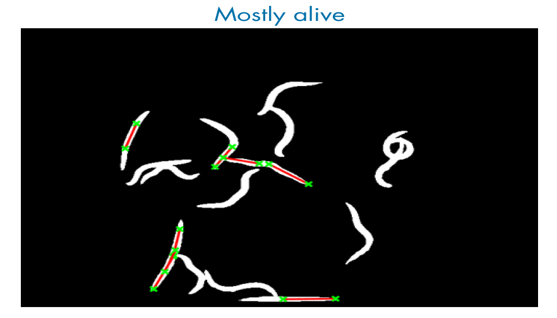
Objective: Detect edges of objects and extract boundary pixel locations. Detect objects by shapes such as lines and circles.
Objective: Compare images with different scales and orientations by geometrically aligning them.
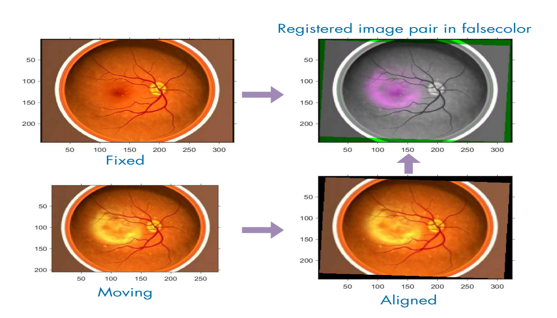
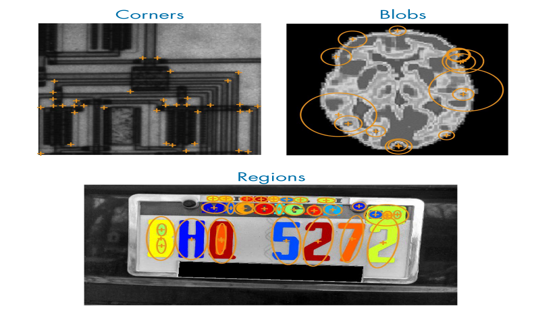
Objective: Detect, extract, and match sets of image features to automate image registration.