 EN
EN  TH
TH  VI
VI 


 Customise Your Training

TechSource Systems is MathWorks Authorised Reseller and Training Partner
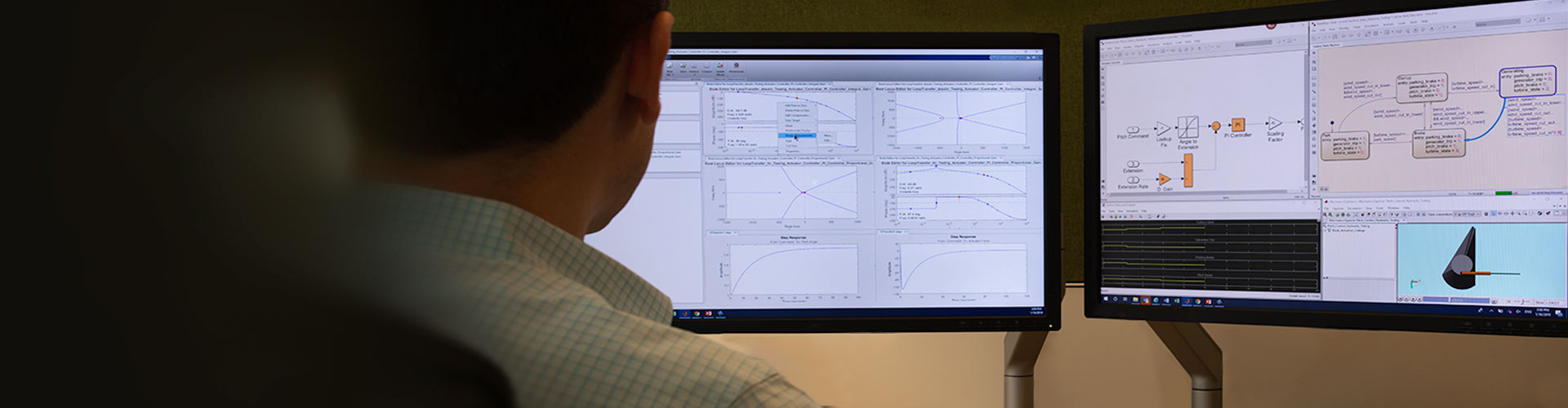
Learn to use the key principles and techniques of object-oriented application development (Model-View-Controller Framework) using MATLAB
Complimentary Services: Post training email support & 1-hr consultation session within 1 month after the course completion!

This two-day course provides a comprehensive introduction to the key principles and techniques of object-oriented development of interactive applications using MATLAB®. It
focuses on the Model-View-Controller pattern which separates the computational back end from the graphical front end. This results in reduced dependencies and improved maintainability.
Topics include:

The course is intended for MATLAB developers who create or maintain medium- and large-scale applications and are looking for guidelines for structuring their code base.

MATLAB Programming Techniques and some experience of working with MATLAB graphics objects. Some knowledge equivalent to Object-Oriented Programming with MATLAB. Some experience of working with MATLAB graphics objects is helpful

Upon the completion of the course, the participants will be able to:
TechSource Systems is MathWorks Authorised Reseller and Training Partner
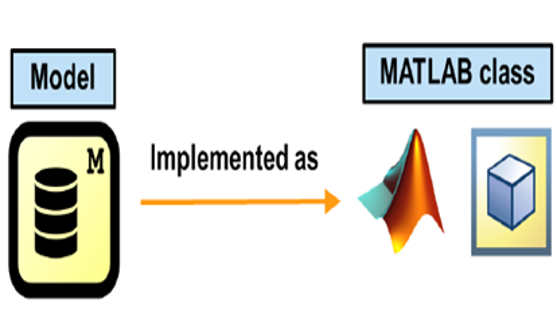
Objective: Create a model class to act as the computational back end for an application and store the necessary data. Define and implement the core model responsibilities and actions.
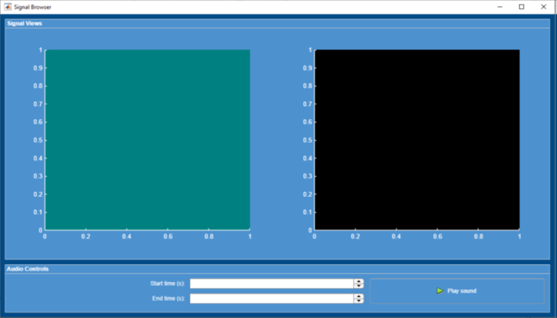
Objective: Create, access, and modify graphics objects within the MATLAB graphics hierarchy. Use predefined graphics callback functions. Use layout management objects to organize the appearance of the application’s graphics objects and controls.
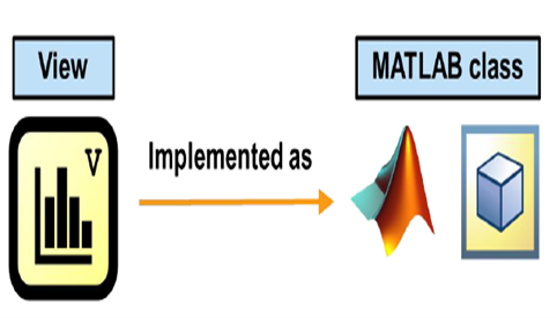
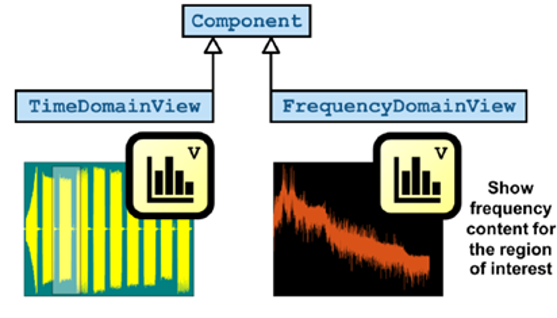
Objective: Define view classes for visualizing application data. Define and implement the core view responsibilities and actions.
Objective: Simplify the development of view and controller classes using inheritance. Provide end users with a convenient means of interacting with the application components. Ensure robust application behavior by managing the lifecycle of view and controller components.
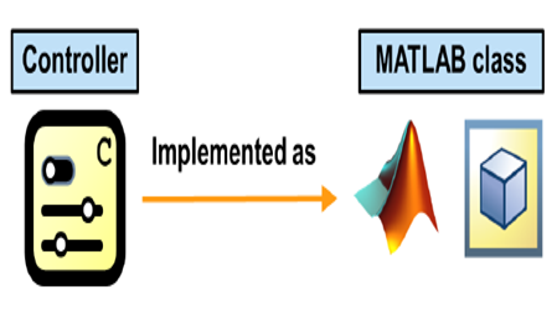
Objective: Create controller classes to provide user interaction with the application data. Define and implement the core controller responsibilities and actions.
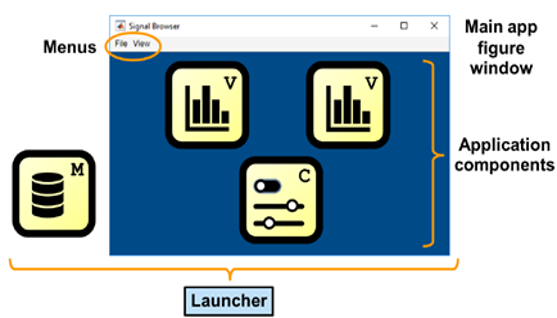
Objective: Integrate all application components and create a class managing the initialization, dependencies, and running status of an application. Define and implement the core application launcher responsibilities and actions.
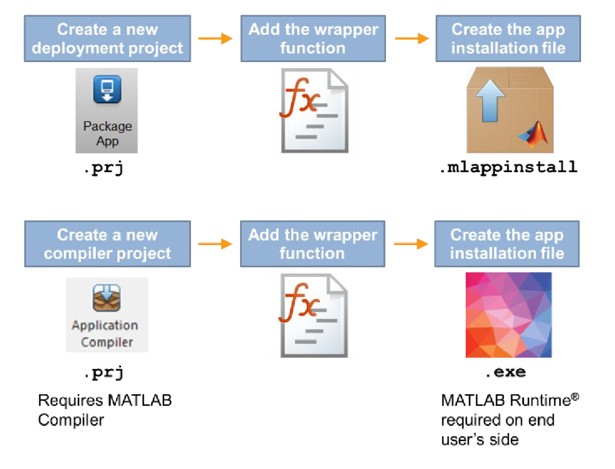
Objective: Deploy the application as a MATLAB app, standalone desktop app or web app.