EN
EN  TH
TH  VI
VI 



Discover What’s New
| Get more out of MATLAB and Simulink by downloading the latest release. >> Contact us |
.png)
R2026b
New Products
- Polyspace Test Server – Execute tests and analyze structural coverage for C/C++ code on automation servers.
- Simulink Variant Manager – Configure, manage, and analyze variants.
- Visual Inspection Toolbox – Design and test visual inspection and analysis applications.
Major Updates
- Aerospace Blockset – Model, simulate, and analyze aerospace vehicle dynamics, including increased support for rotorcraft and spacecraft.
- Aerospace Toolbox – Design, analyze, and visualize space missions with high-fidelity orbit propagation, impulsive maneuvers, and lunar mission support.
- Audio Toolbox – Model acoustic systems with Simscape; simulate sound propagation using ray-based methods in rooms and underwater acoustics; compute objective quality and intelligibility metrics.
- Deep Learning Toolbox – Create and train time series prediction, forecasting, and regression models using the Time Series Modeler app. Use the PyTorch interface to co-execute PyTorch models in MATLAB and Simulink.
- Point Cloud Toolbox – Design and analyze perception systems using point clouds from range sensors such as lidar, RGB‑D and stereo cameras, and mmWave radar, and workflows such as SLAM, photogrammetry, and structure from motion.
- Simulink Design Verifier – Distribute design verifier analysis across multiple CPU cores to accelerate time‑to‑results; achieve higher‑precision results for models using floating‑point and complex math functions.
- SoC Blockset (for AMD) – Design, deploy, and verify applications for AMD Adaptive SoCs and FPGAs; use default reference designs or build custom reference designs for comms, vision, deep learning, and controls applications.
- Statistics and Machine Learning Toolbox – Design and analyze experiments interactively with the new DOE app; assess measurement system variability and run ANOVA-based studies with the new Gage R&R app.
Release Resources
- Release Notes
- License-Related Changes
- Software Maintenance Service
- System Requirements
- Previous Releases
Release Highlights
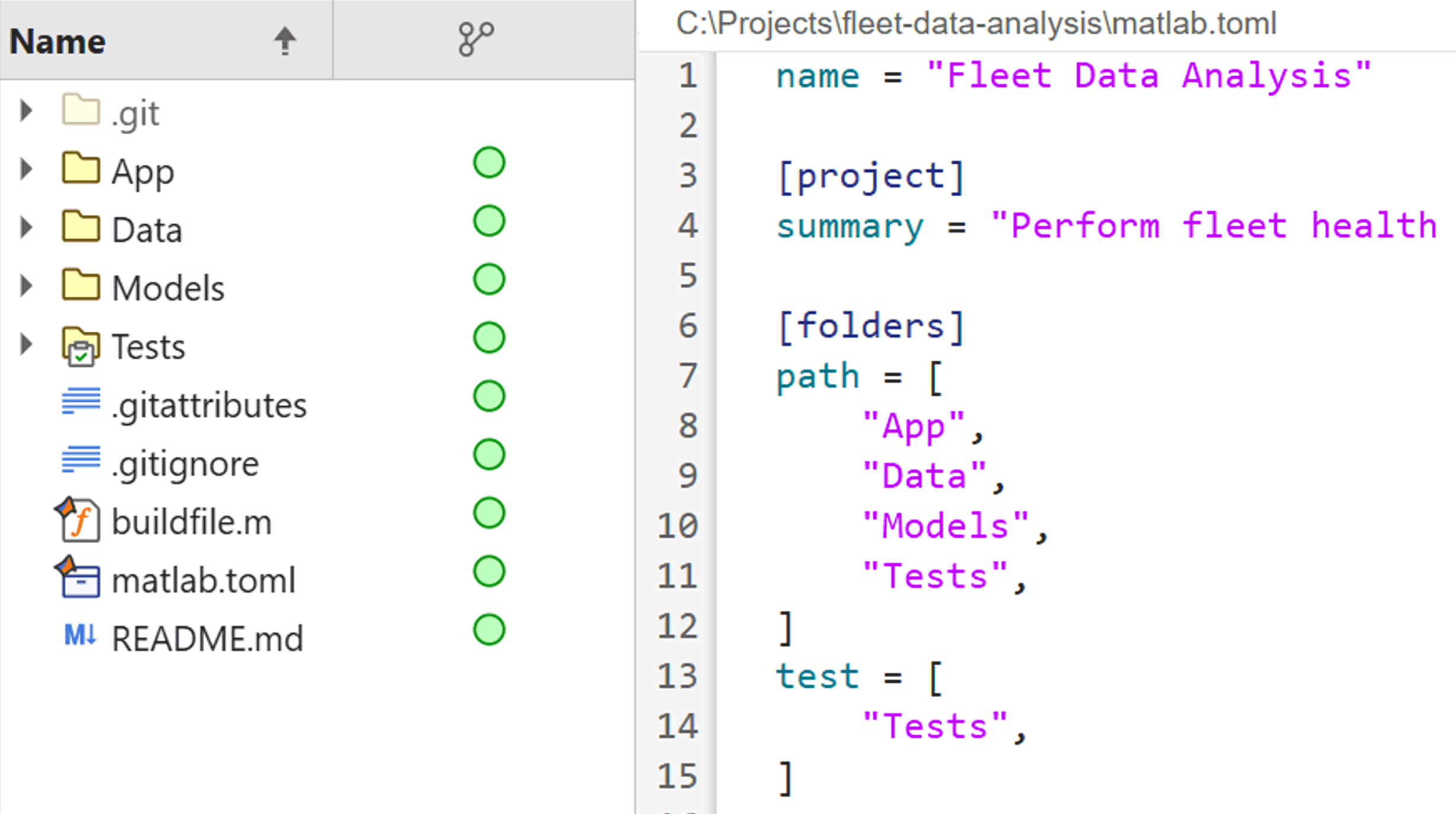
[MATLAB] TOML Project File Format Manage projects in MATLAB and Simulink using a single, human-readable TOML configuration file. | 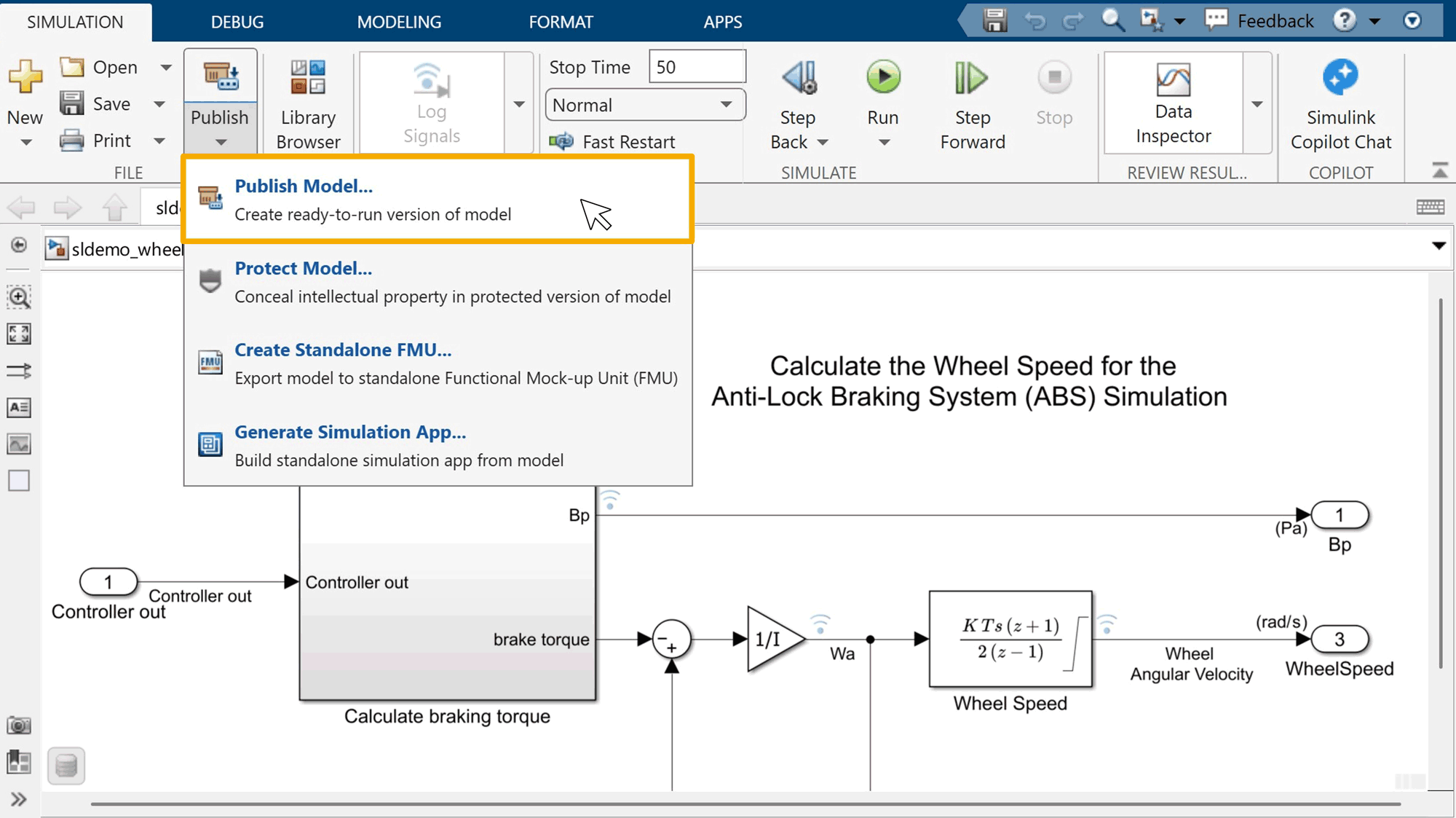 Create ready-to-run versions of Simulink models you can reference to skip rebuilds and improve simulation performance. | |
MATLAB
| Simulink
|