 EN
EN  TH
TH  VI
VI 


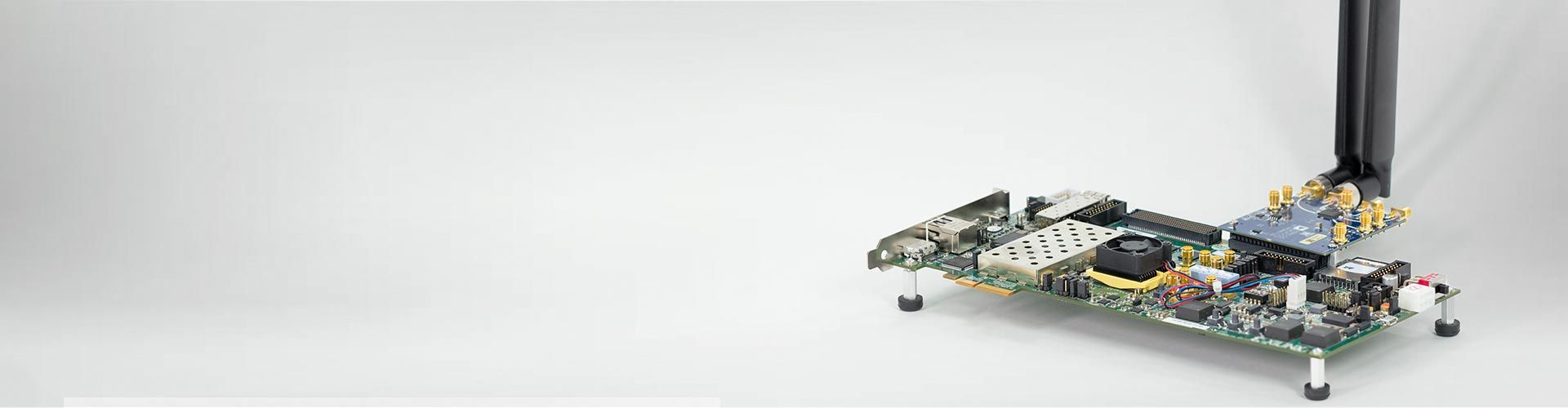
Elaborate designs from algorithms to implementation and continuously verify with over-the-air testing
MATLAB and Simulink help you implement and test your wireless designs on hardware. You can elaborate your designs from algorithms to prototyping to production implementation. Then, verify the accuracy of your design continuously with over-the-air testing.
With MATLAB and Simulink, you can:
- Generate test waveforms using command-line functions or the Wireless Waveform Generator app
- Connect to RF instruments and software-defined radios (SDRs) for transmission or acquisition waveforms over the air and analyze the captured signals
- Run reference applications in real time using high-speed data transmit and capture with Wireless Testbench
- Automatically generate readable, synthesizable HDL code for FPGA, SoC, and ASIC implementation and verify using co-simulation with HDL Verifier
- Use synthesizable IP blocks for implementing 5G, LTE, WLAN, DVB-S2, and other multistandard applications
Why Use Digital, RF, and Antenna Design? Why Use Hardware Design and Testing?
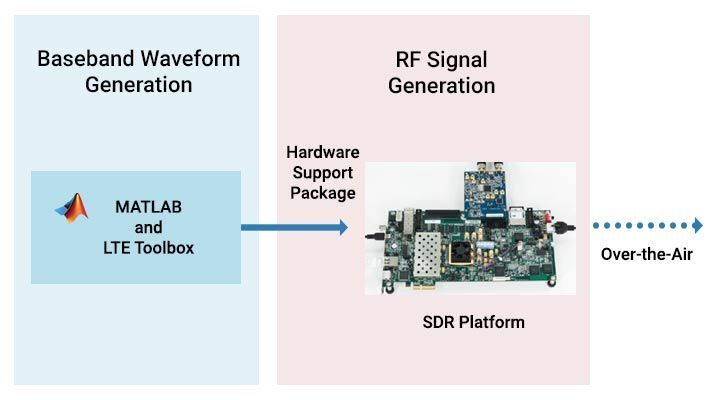 Algorithm Testing with SDRs Connect your transmitter and receiver algorithms and waveforms to SDRs. Transfer live I/Q data to and from MATLAB and Simulink. Analyze your end-to-end design by computing metrics such as EVM, ACLR, or BER.
| 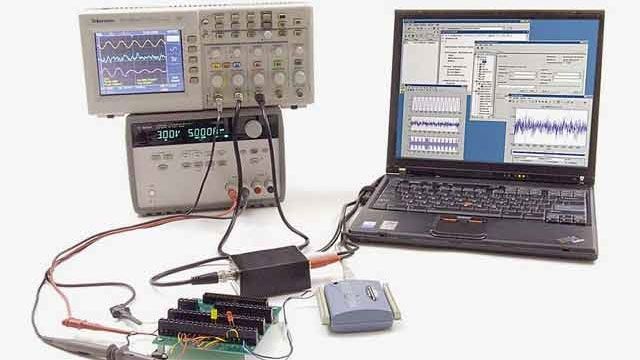 Testing with RF InstrumentsPerform live tests and measurements by connecting your MATLAB waveforms and algorithms to RF instruments, including Keysight™, Rohde & Schwarz, Tektronix®, and NI™. | |
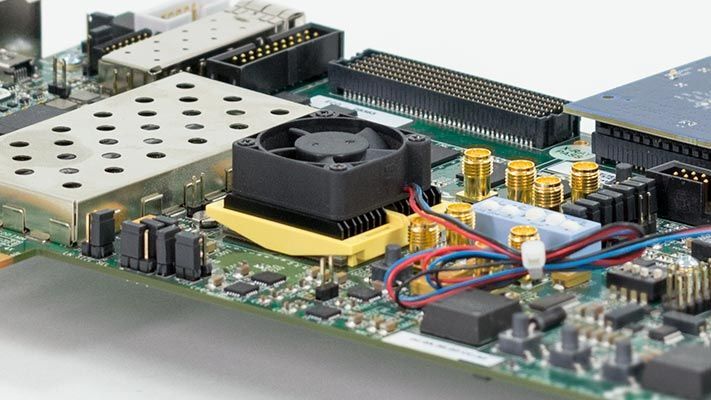 FPGA and ASIC ImplementationTarget and debug FPGA prototype hardware. Prototype with live over-the-air signals and reuse the same models for production deployment. Use HDL-optimized IP blocks for 5G, LTE, and other wireless standards accelerating implementation.
| 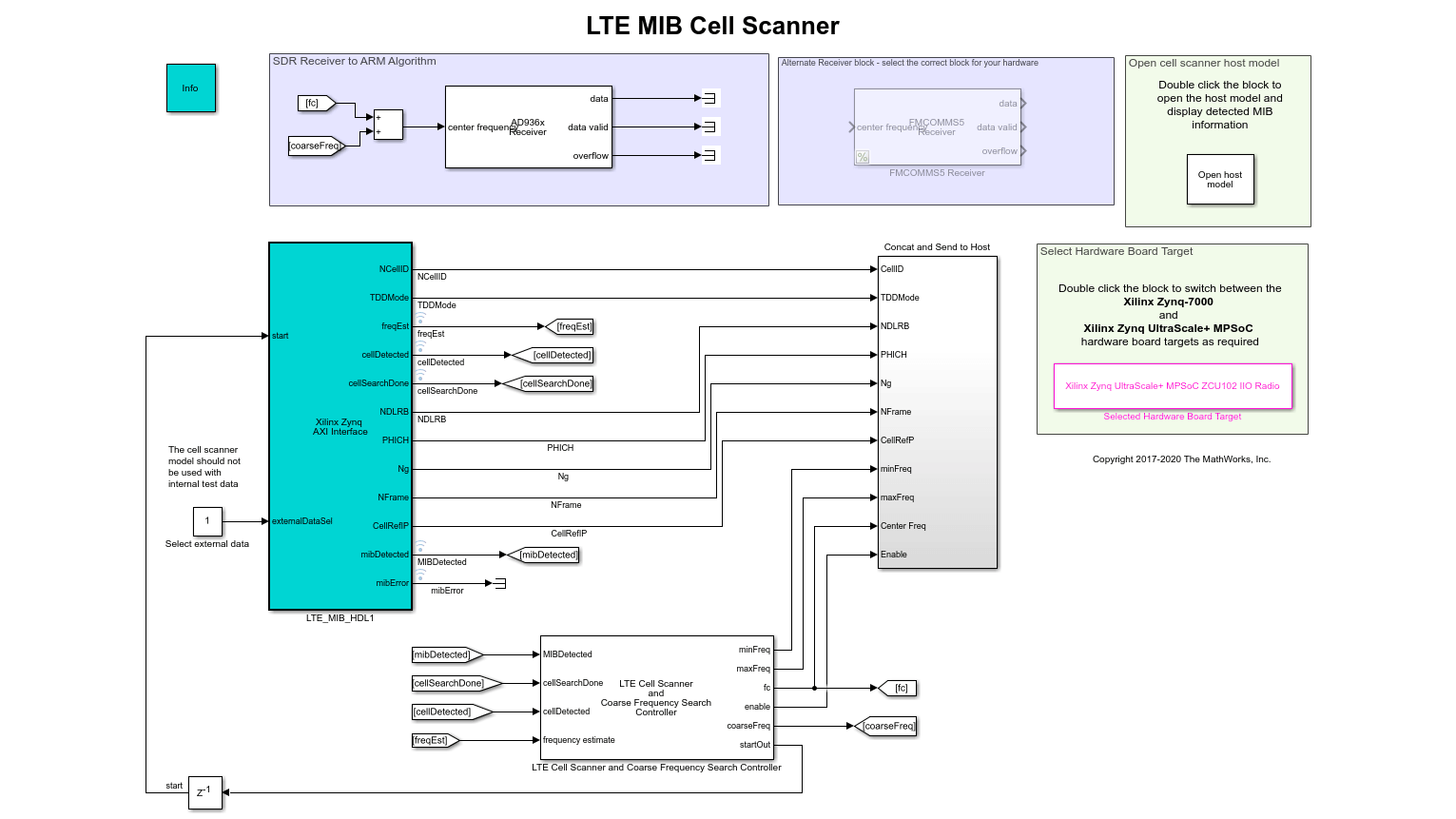 Hardware Design VerificationVerify your designs implemented on hardware. Use the same waveforms to drive the golden reference algorithms and the stream-of-samples implemented on hardware. Then, directly compare the results. |
Use MATLAB and Simulink for Hardware Design and Testing



 | ProductsLearn about the products used with applications for hardware design and testing. |