 EN
EN  TH
TH  VI
VI 


 Customise Your Training

TechSource Systems is MathWorks Authorised Reseller and Training Partner

Next level after the fundamental
Learn how to accelerate and parallelize MATLAB code
Complimentary Services: Post training email support & 1-hr consultation session within 1 month after the course completion!

This two-day course covers a variety of techniques for making your MATLAB® code run faster. You will identify and remove computational bottle-necks using techniques like preallocation and vectorization. In addition, you will compile MATLAB code into MEX-files using MATLAB Coder™. On top of that, you will take advantage of multiple cores on your computer by parallelizing for-loops with Parallel Computing Toolbox™, and scale up across multiple computers using MATLAB Parallel Server™. Interplay between those concepts will be explored throughout the course. If you are working with long-running simulations, you will benefit from the hands-on demonstrations and exercises in the course. Topics include:

Engineers who wish to use multiple systems to shorten up the simulation time and to be able to process large data sets.

Fundamentals or equivalent experience using MATLAB

Upon the completion of the course, the participants will be able to:
TechSource Systems is MathWorks Authorised Reseller and Training Partner
Objective: Analyze code performance and utilize techniques for acceleration within MATLAB.

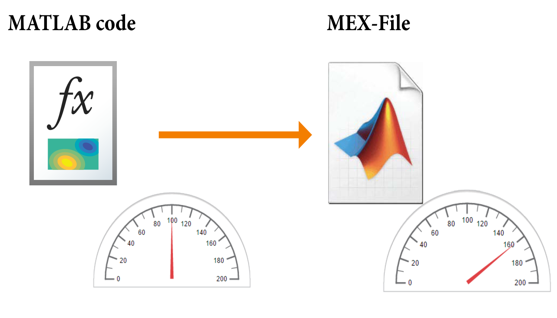
Objective: Generate compiled code files from MATLAB code for better performance.
Objective: Parallelize code execution to take advantage of multiple cores.
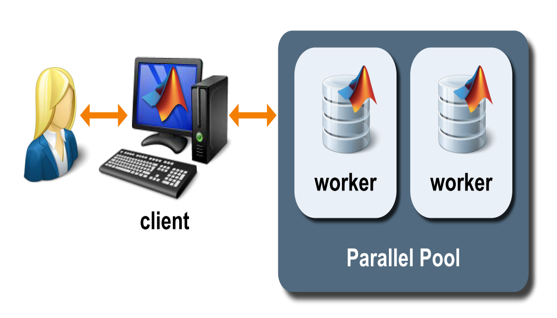
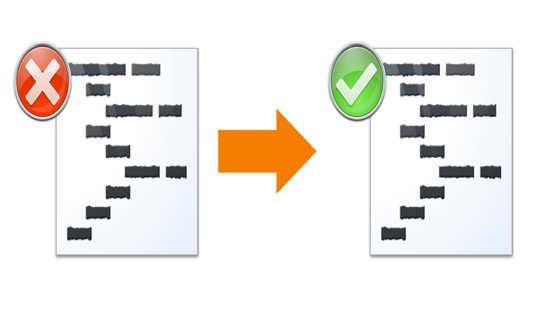
Objective: Explore parallel for-loops in more detail and apply techniques for converting for-loops to parfor-loops.
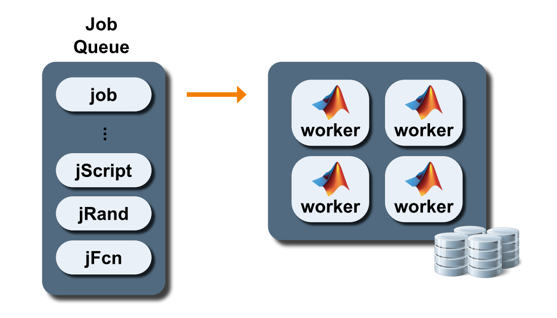
Objective: Offload computations to another MATLAB process in order to be able to use MATLAB for other tasks in the meantime. This is also a preparation step for working with clusters.
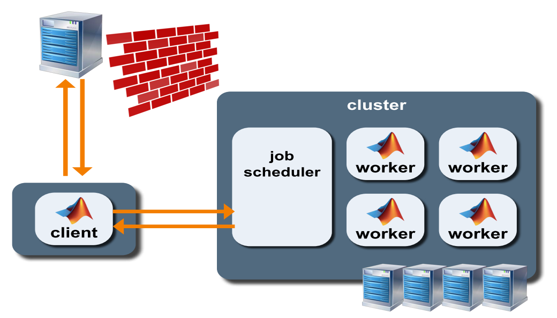
Objective: Accelerate computations and realize more extensive simulations by utilizing multiple computers.
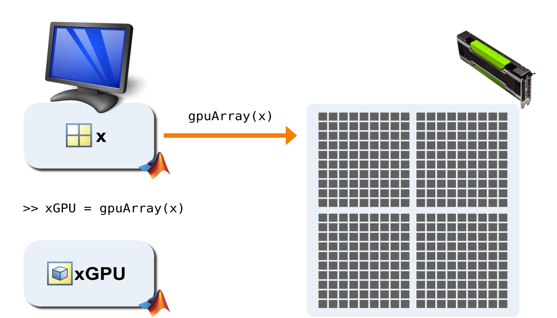
Objective: Execute MATLAB code on your computer’s graphics card (GPU) as another option for speeding up calculations.